
1Create a workout
Name it and add exercises from the library.
Training
Lift targets for every setFrom your last sessions A plan built for youYour week, set up in minutes Pain flagA lighter target, other exercises ProgressRecords and strength levelsFood
Snap your platePhoto in, food logged Barcode and searchScan or search any product Meal plansMeal prep and a shopping list Food that follows trainingMore carbs on lifting daysCoach
Ask mid-workoutAnswers from your own log Why? on your targetsThe reasons behind a number Coach memoryOnly what you confirm Built-in limitsWhat Mitta keeps to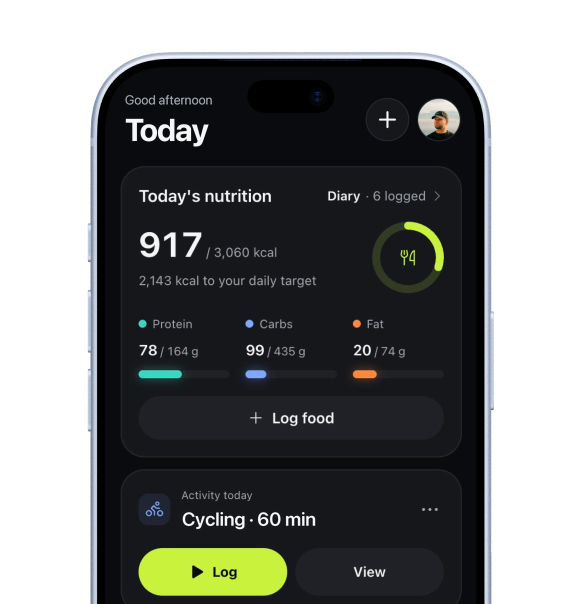 Today, in the app
By experience
BeginnersYour first months, planned Coming back after a breakRestart at your level Intermediate liftersPast the first gains Experienced liftersControl and the dataBy goal
Building muscleVolume and a surplus Getting strongerHeavier sets on the big lifts Losing fatKeep lifting Staying fitA plan you keep upMake your own workouts from the exercise library and plan them into your week. Your own workouts are never deleted: if a new plan needs their day, they move to “Not planned” and you can put them on another day.
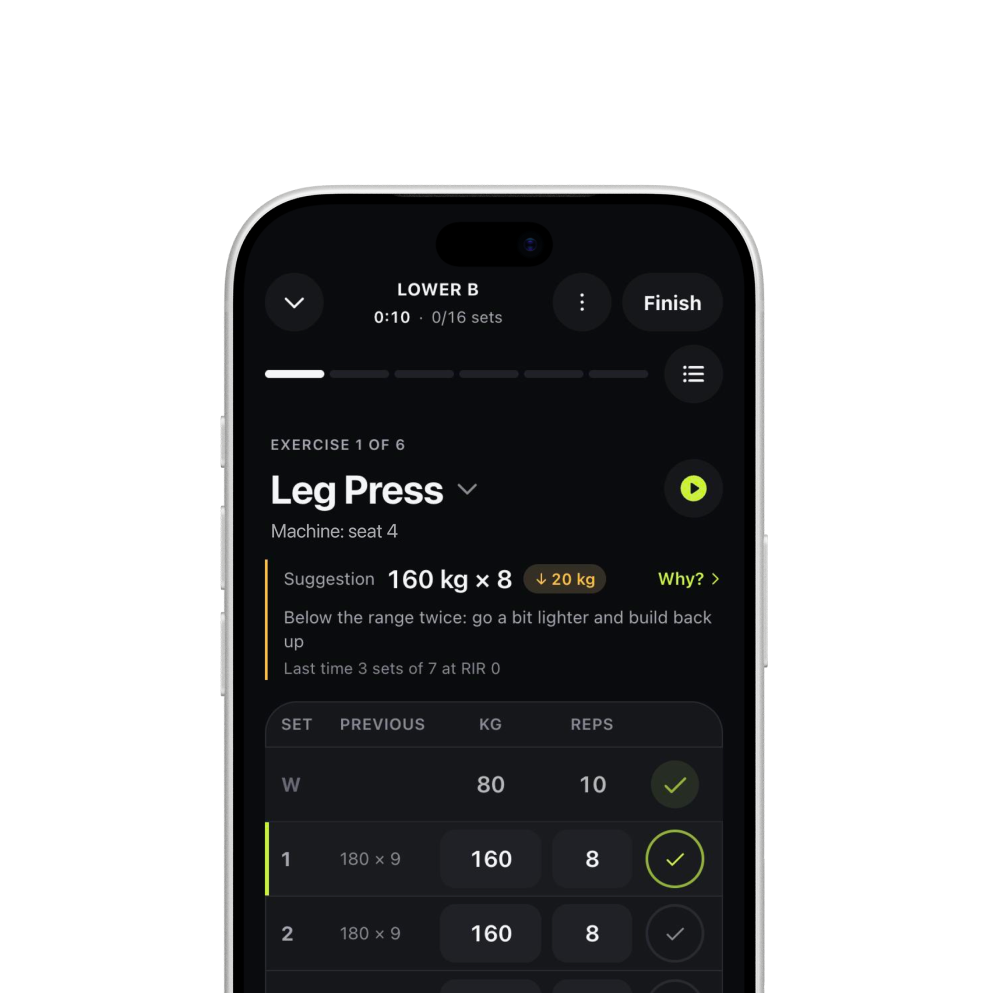
Three steps. No maths, no spreadsheets.
Name it and add exercises from the library.

Sets, reps and order, the way you train.

Put it on any day of your week.
Why it works
A generated plan is a great start, but plenty of people already have a routine they like. Mitta supports both, with lift targets on your own workouts too.
Free, in the web app for invited testers. Join before launch and get 50% off Pro or Pro + AI for 3 months.
FreeIncluded
Your own workouts, with no time limit.
ProIncluded
Plus training blocks.
Pro + AIIncluded
Plus the coach.
Your own workouts are never deleted. If the new plan needs the day of one of them, it moves to “Not planned” and you can plan it on another day.
Yes.
Yes.
Yes, part of Free.
We’re opening Mitta to small groups. Join before launch and get 50% off Pro or Pro + AI for 3 months.