
1Build it yourself
Create a workout in the editor, with sets, reps or cardio.
Training
Lift targets for every setFrom your last sessions A plan built for youYour week, set up in minutes Pain flagA lighter target, other exercises ProgressRecords and strength levelsFood
Snap your platePhoto in, food logged Barcode and searchScan or search any product Meal plansMeal prep and a shopping list Food that follows trainingMore carbs on lifting daysCoach
Ask mid-workoutAnswers from your own log Why? on your targetsThe reasons behind a number Coach memoryOnly what you confirm Built-in limitsWhat Mitta keeps to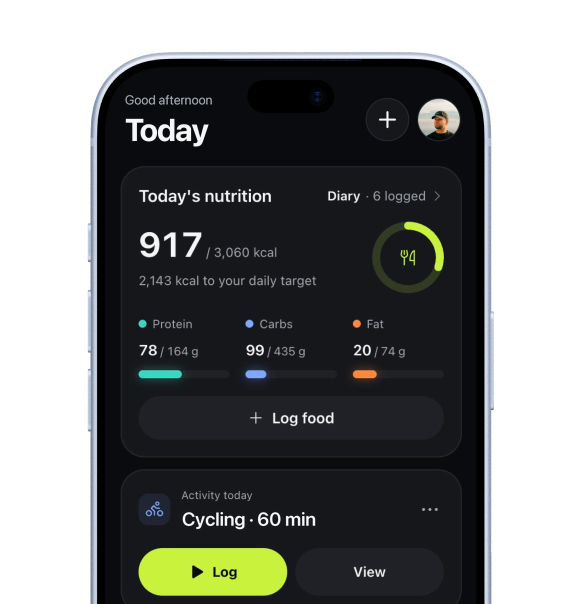 Today, in the app
By experience
BeginnersYour first months, planned Coming back after a breakRestart at your level Intermediate liftersPast the first gains Experienced liftersControl and the dataBy goal
Building muscleVolume and a surplus Getting strongerHeavier sets on the big lifts Losing fatKeep lifting Staying fitA plan you keep upUpdates/Week 43·TrainingFree
Make a new plan without losing what you built yourself. Your own workouts and your own cardio are never deleted.
 Cody de LeeuwReleased 19 October 2026
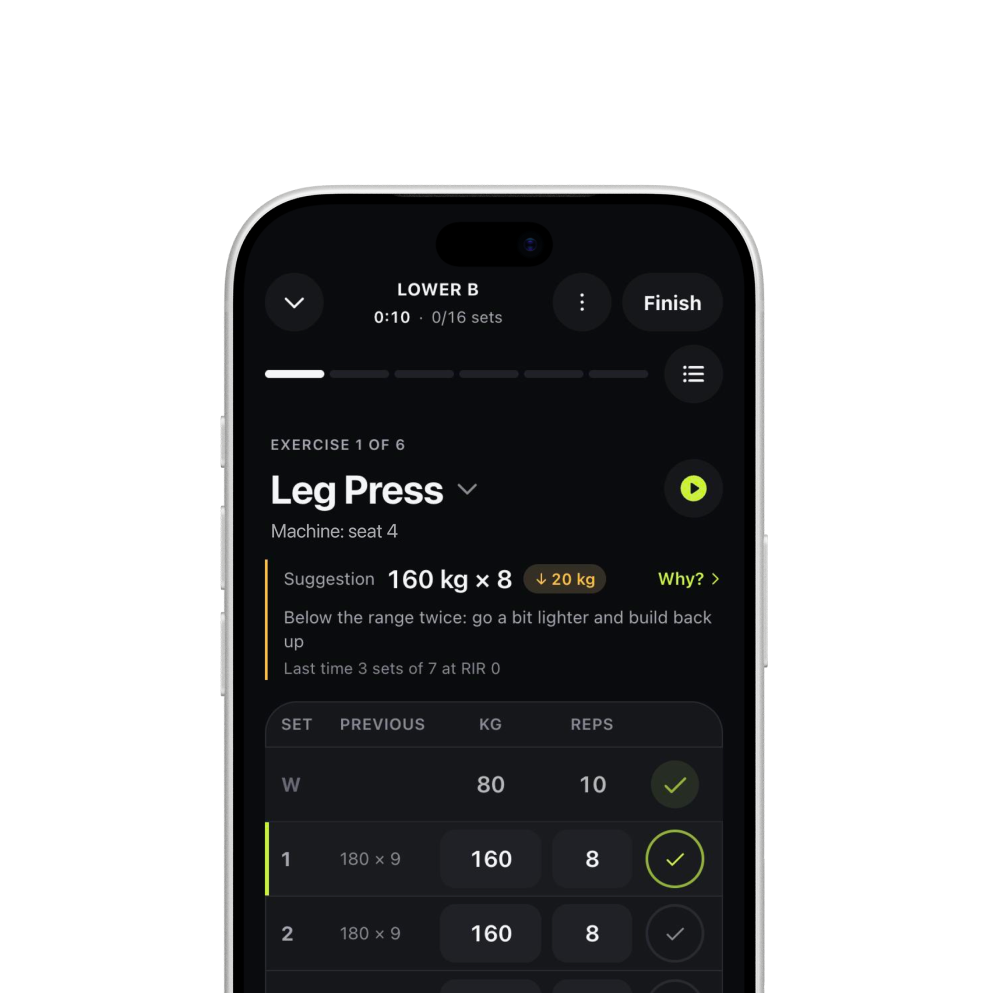
Three steps, start to finish.
Create a workout in the editor, with sets, reps or cardio.

The proposal shows what stays, so you see it before you agree.
Unplanned workouts and earlier workouts have their own place, with a Plan and a Restore button.
Why we changed it
This came straight from a beta tester: they deleted a workout and could not find it again, and wanted a weekly run club that the plan could not hold. So the planner now only touches the workouts it made itself.
Things you might notice along the way.
FreeThis update
Own workouts and own cardio.
ProAlso
Plus training blocks with a lighter week.
Pro + AIAlso
Plus a coach that proposes plan changes.
We’re opening Mitta to small groups. Join before launch and get 50% off Pro or Pro + AI for 3 months.